 Gridly
Recipes › Orders and customers
Update an order
Change an order's status and add a note, after seeing a preview.
Ask Gridly
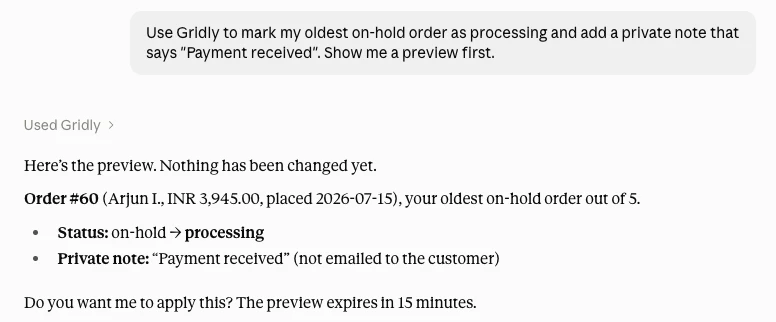
Use Gridly to mark my oldest on-hold order as processing and add a private note that says "Payment received". Show me a preview first.
Claude and ChatGPT show a standard caution note on any ready-made question. That is normal; press send.
What you will get
- A preview of the new status and the note
- A change number, so you can undo it
Good to know: A note can be private (only you see it) or sent to the customer. Gridly always asks which. Marking an order completed also emails the customer.
Then you can say
- “Undo that change.”
- “Show me my other on-hold orders.”
New here? Connect Gridly in five minutes.